
Download Android TV Home – Android TV app, Android TV interface, Android TV launcher, Android TV experience, free Android TV launcher, Android TV setup
Overview
Android TV Home serves as the foundational interface for Android TV devices, acting as the central hub that launches and organizes access to media services and applications. Designed to streamline the user experience from the first interaction, it enables users to navigate video platforms such as YouTube and Google Play with minimal friction. The software is tailored for individuals setting up or using Android TV devices, whether for casual entertainment or daily viewing routines.
As a free-to-download application, it eliminates initial financial barriers to entry, making it accessible to a broad audience. It is particularly useful for users who value intuitive navigation and a clean, uncluttered interface. While the developer is listed as "Android," no additional background information about the organization or its development practices is available.
The software is intended to be the starting point for the Android TV experience, facilitating access to content and services without requiring complex configuration. Its role is to unify app access and media discovery, ensuring users can quickly find and launch their preferred entertainment options.
Key Features & Capabilities
- Centralized Media Hub – Functions as the primary interface for launching apps and accessing video content, providing a unified starting point for all Android TV features.
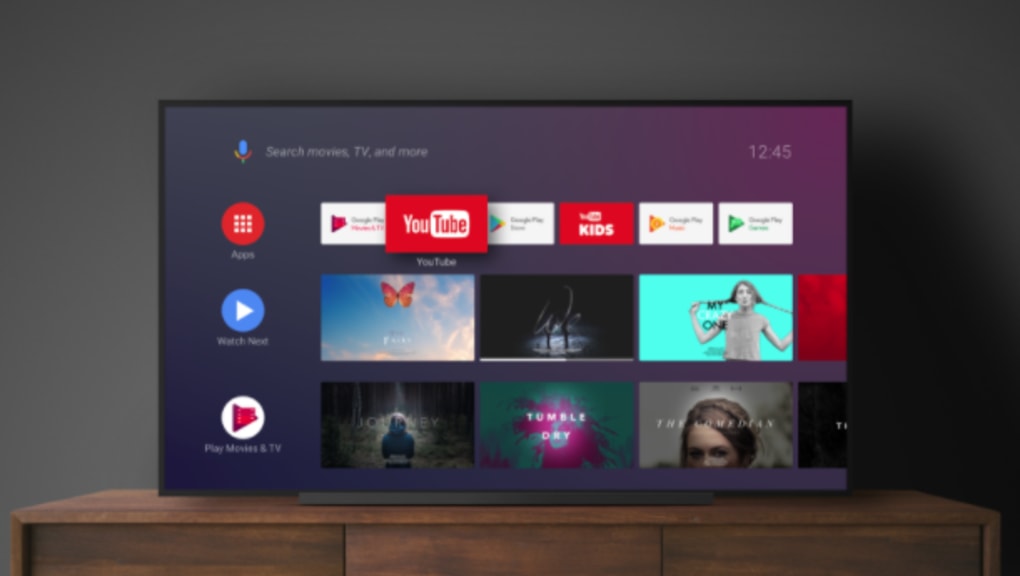
- Integration with Major Streaming Services – Enables direct access to platforms like YouTube and Google Play, allowing users to stream content without additional setup.
- Intuitive Navigation – Features a clear layout designed for ease of use, minimizing the learning curve for new users and reducing the chance of navigation errors.
- Free-to-Download Access – No cost is associated with installation or use, removing financial obstacles to beginning an Android TV experience.
- Seamless Launch Experience – Acts as a launchpad for all other Android TV applications, ensuring a consistent and predictable entry point across devices.
These capabilities support real-world usage scenarios such as daily television viewing, on-demand movie streaming, and app discovery. For example, a user can turn on their Android TV device and immediately access their favorite YouTube channels or Google Play content without additional steps. The interface is optimized for remote control use, making it ideal for home entertainment setups. The software’s role as a launcher ensures that users are not required to search for individual apps, streamlining the entertainment workflow. While specific performance benchmarks are not provided, the design suggests a focus on responsiveness and reliability during regular use.
User Interface, Workflow & Performance
The user interface of Android TV Home is structured around a grid-based layout, with prominent tiles representing installed applications and frequently used services. Navigation is designed for remote control input, with a focus on clear visual hierarchy and minimal on-screen clutter. Users can move between sections using directional inputs, and selection is confirmed with a single button press.
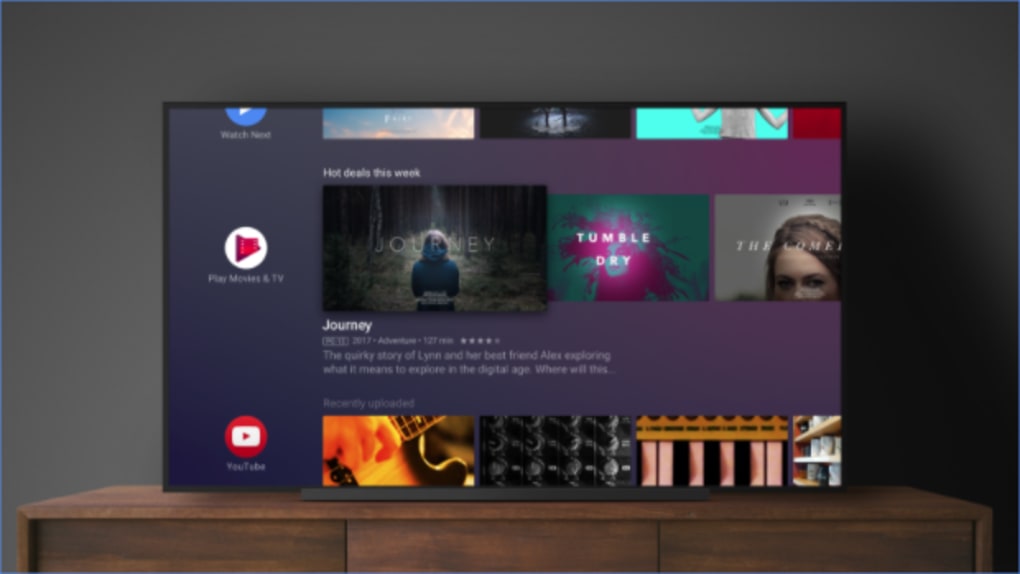
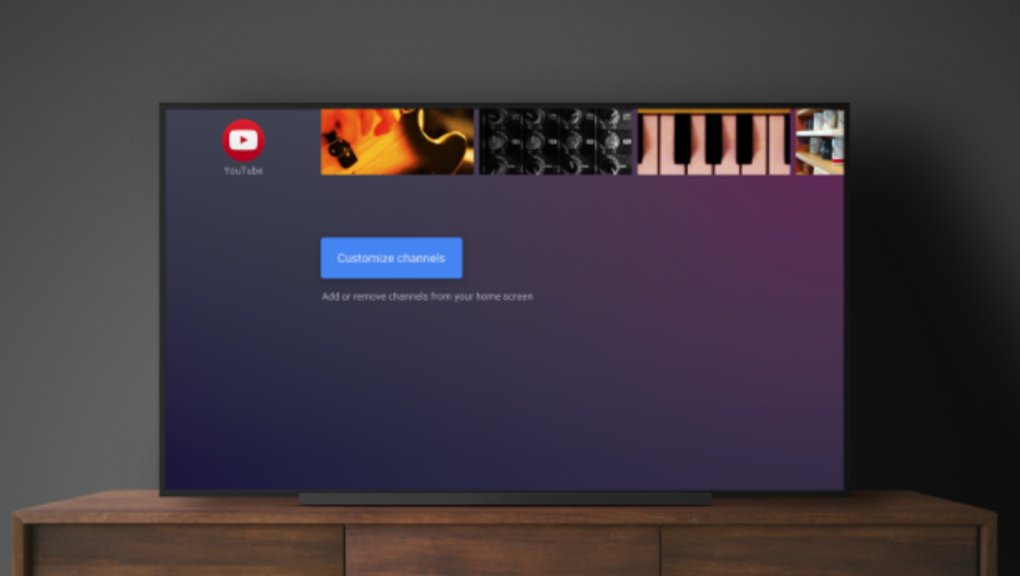
The workflow begins with the home screen, which serves as the default entry point after device startup. From there, users can access app libraries, media recommendations, and system settings with consistent navigation patterns. The developer did not specify resource usage details, so exact performance behavior, including CPU or RAM consumption, remains unknown.
However, given its role as a lightweight launcher and the provided file size of 10 MB, it is likely optimized for low overhead. Stability is assumed to be consistent with standard Android TV system components, though no user-reported issues or crash data were included. Performance observations are based on general software behavior patterns for similar launchers.
Compatibility & System Requirements
Android TV Home is designed for devices running the Android TV operating system. The software version is listed as 1.0.0, and the installation size is 10 MB. The developer did not provide additional system requirements, so exact hardware specifications such as processor speed, RAM, or storage capacity are not available.
Compatibility information is limited to the Android TV platform, indicating it is not intended for use on standard Android smartphones or tablets. The software is likely pre-installed on many Android TV devices, but it is also available for download, suggesting it may be updated or reinstalled as needed. The developer did not specify whether it supports older or newer Android TV versions beyond the listed version.
No information is available about network or storage dependencies during installation or runtime.
Pros and Cons
Pros
- Free to download and use, eliminating upfront costs.
- Intuitive interface designed for easy navigation with remote controls.
- Serves as a reliable launchpad for all Android TV applications and services.
- Lightweight at only 10 MB, suggesting minimal system impact.
- Integrated with major streaming platforms like YouTube and Google Play.
Cons
- No information provided about system requirements or hardware compatibility.
- Exact performance metrics, such as CPU or RAM usage, were not specified.
- Limited details on update frequency or long-term maintenance.
- Not available outside the Android TV ecosystem, restricting broader usability.
- Developer background is minimal, with no additional organizational details.
FAQ Section
Is Android TV Home available for free?
Yes, Android TV Home is available at no cost. The software is listed as free to download and install.
What devices can run Android TV Home?
Android TV Home is designed for devices running the Android TV operating system. It is intended for use on Android TV set-top boxes, smart TVs, and similar devices.
Is the software secure to install?
As a system-level application developed by Android, it is expected to follow standard security practices. However, no third-party security assessments or detailed verification methods were provided.
Does Android TV Home require an internet connection?
While the software itself may function offline, accessing content from services like YouTube or Google Play requires an active internet connection.
Can I update Android TV Home manually?
Update mechanisms are not detailed in the provided information. Updates may be delivered automatically through the Android TV system or via the Google Play Store if available.
Final Thoughts + CTA
Android TV Home delivers a clean, functional, and accessible entry point for users engaging with the Android TV ecosystem. Its free availability, intuitive interface, and integration with major streaming platforms make it a practical choice for both new and experienced users. While detailed technical specifications are limited, the software’s lightweight design and focus on usability suggest it performs efficiently within its intended environment.
It is particularly beneficial for individuals setting up a smart TV or streaming device who want a straightforward way to access their favorite content. The absence of cost and the emphasis on simplicity reinforce its value as a foundational tool. For anyone beginning or enhancing their Android TV experience, this launcher provides a reliable and user-friendly foundation.
Download Android TV Home now.






.png)
